There are several types of reports you can take generate depending on what data you are after. To access Call Reports, just click on Call Reports > Reports and GOAnalytics.
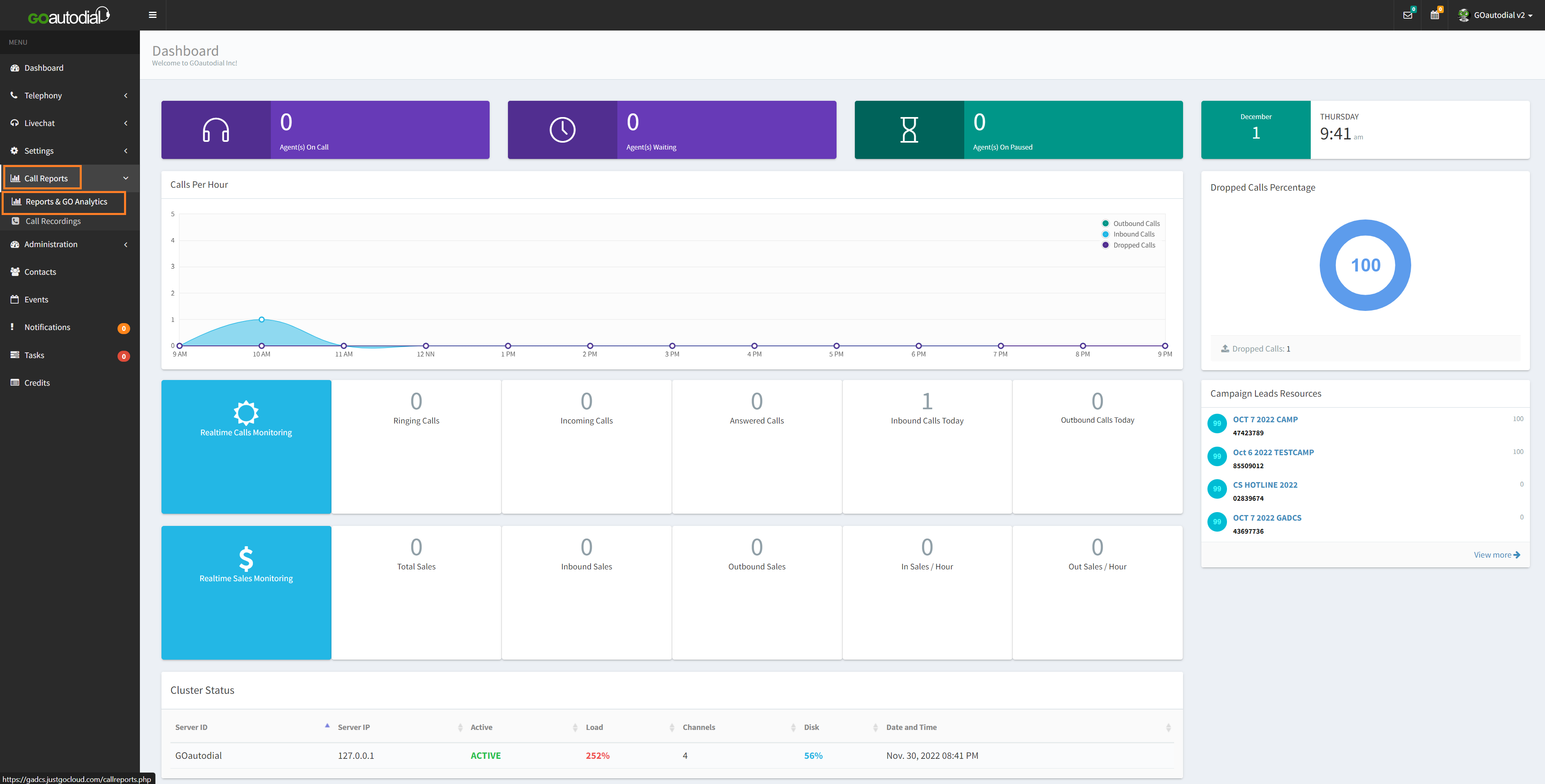
The types of Reports are;
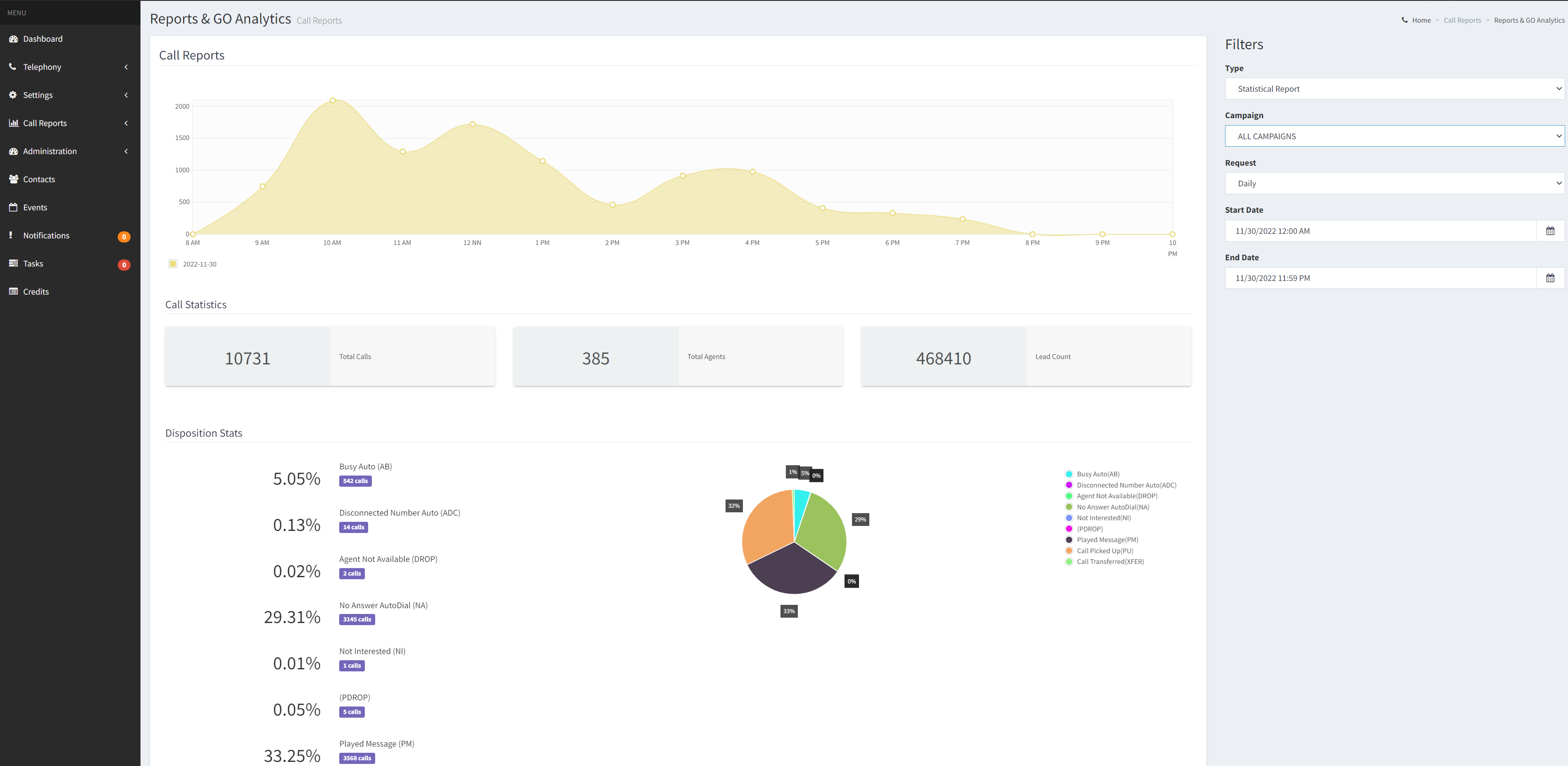
- Statistical Report - A graphical representation of outbound calls made on a specific date range including their dispositions. The report can be filtered by campaign on a "daily, weekly, or monthly", basis.
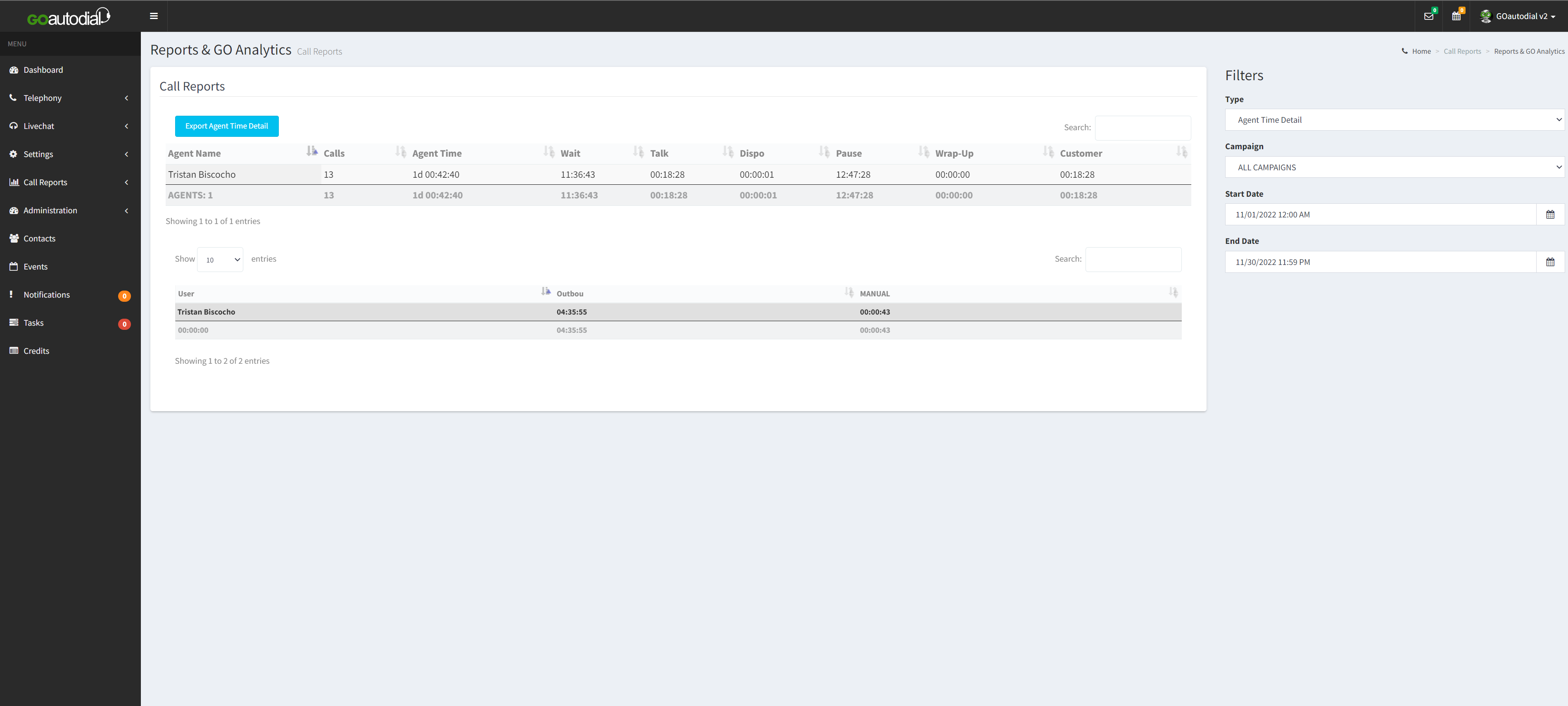
2. Agent Time Detail - Details the activity of the agent(s) on a given time range. Can be filtered by campaign.
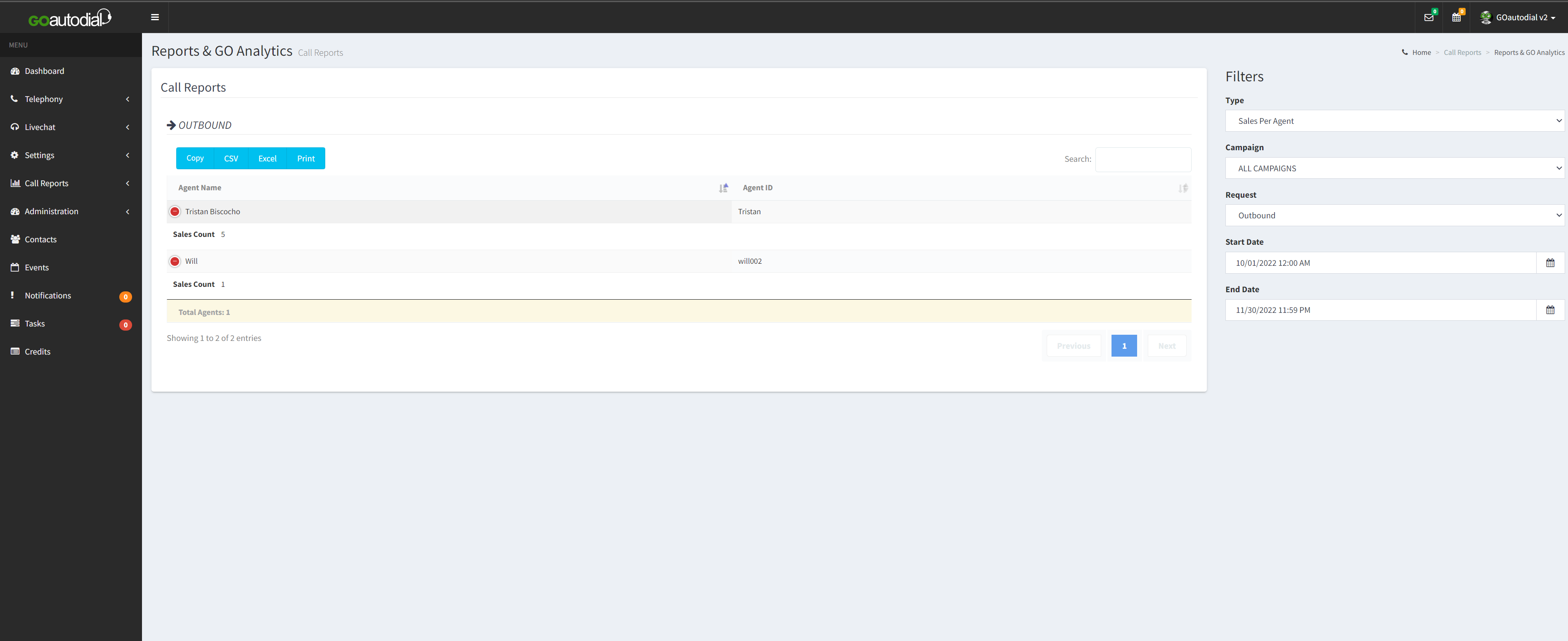
3. Sales per Agent - tabulates the SALE made by the agent(s) on a given date range.
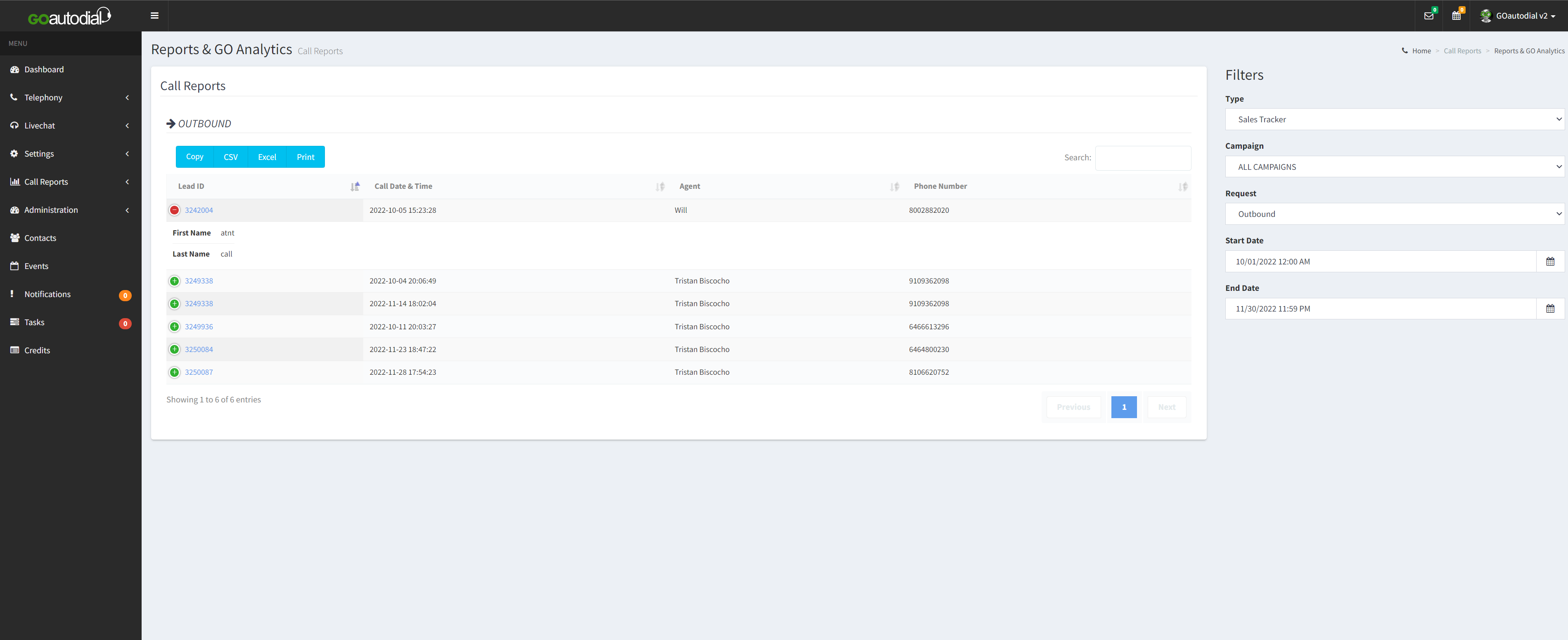
4. Sales Tracker - gives more detailed information about the SALE made by the agents on their calls. Click the blue Lead ID to obtain more details regarding the call.